

Stop Designing Around Limits: Your No-Stress Guide to the Divi Page Builder
Do you have a perfect vision for your website but find yourself wrestling with rigid themes, confusing customization options, and the frustrating limitations of your current tools? You imagine a beautiful, unique site, but the process of building it feels like a constant battle.
What if you could design with true creative freedom, seeing your changes happen live, on a canvas that adapts to your imagination rather than the other way around?
This is the experience offered by the Divi Page Builder, a tool that has empowered over a million websites to break free from design constraints. And with its latest release, Divi 5, it has undergone a revolutionary transformation that makes it more powerful, faster, and more intuitive than ever before.
[See Divi’s Visual Builder In Action & Explore Pricing at Divi Page Builder!]
(This affiliate link supports our site at no extra cost to you)
What is the Divi Page Builder? Your All-in-One Visual Design Solution
Divi is not just another plugin; it’s a complete WordPress theme and visual page builder combined into one powerful framework. It replaces the standard WordPress editor with a live, “What You See Is What You Get” (WYSIWYG) visual builder.
The core philosophy? True no-code editing. You design directly on the front end of your site. Change a color, adjust a layout, or add an animation, and you see the result instantly. No guessing, no switching between backend and frontend tabs. It’s a full-screen, immersive design experience that feels more like using a professional design tool than a website builder.
Why Your Creativity Needs the Divi Page Builder: 5 Game-Changing Benefits
Divi stands out by offering control that other builders simply can’t match, especially with the advancements in Divi 5.
1. A Fully Immersive, Visual Editing Experience
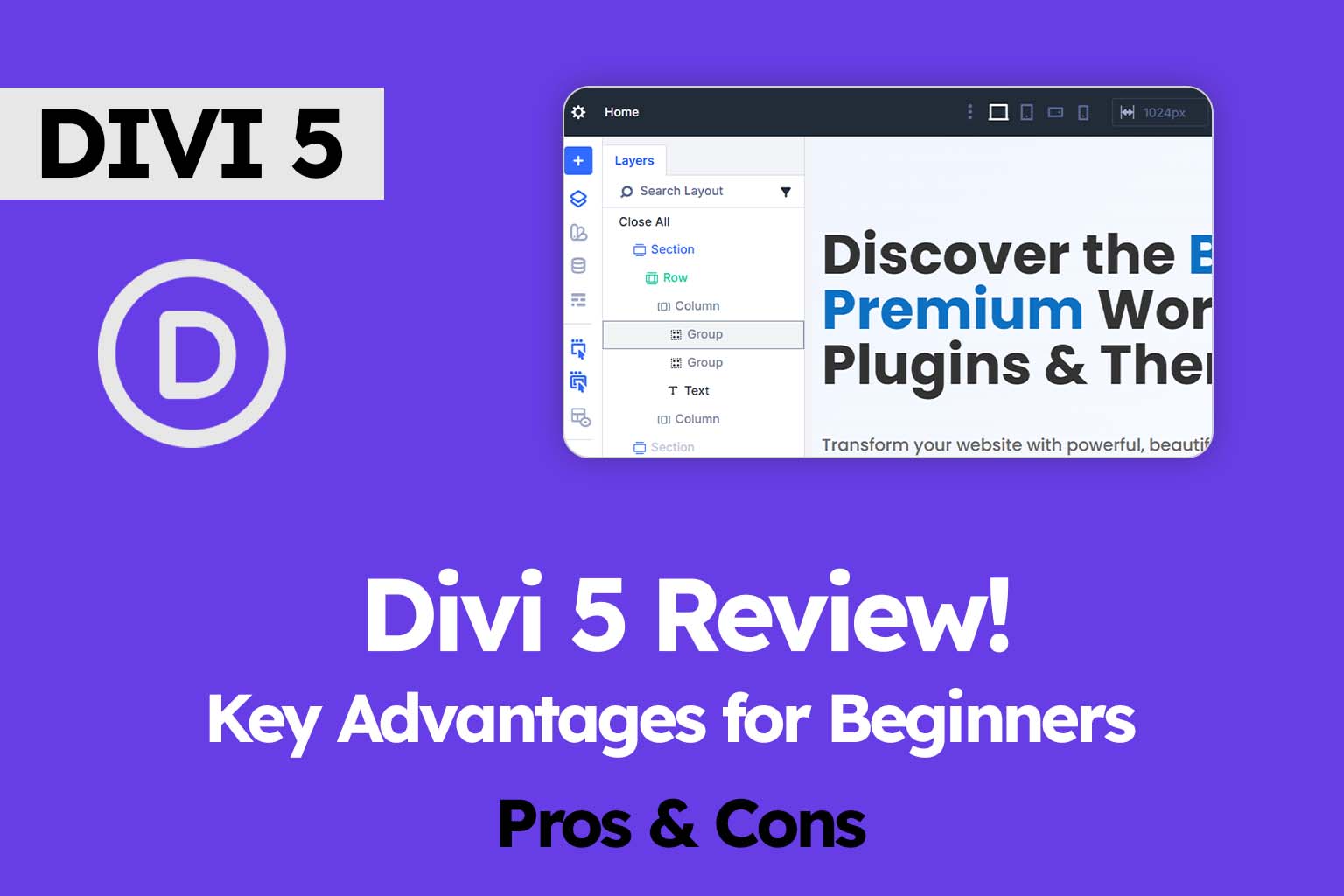
Divi’s interface is a blank canvas for your creativity. Instead of a fixed sidebar, you work with intuitive floating toolbars and settings panels that appear contextually. This gives you an unobstructed, full-screen view of your design as you build it, making the process feel more like working in a professional design program than a restricted website builder.
2. Unlock Limitless Designs with Thousands of Pre-Made Layouts
Starting from scratch can be intimidating. Divi eliminates this with its massive library of over 2,600 professionally designed layout packs and templates. Whether you’re building a business site, an online portfolio, or an eCommerce store, you can start with a stunning pre-made design and customize every single part of it to match your brand perfectly.
3. Complete Control with the Divi Theme Builder
This is where the Divi Page Builder truly shines. You’re not just designing pages; you’re designing your entire website. The Theme Builder gives you visual control over every part of your site—custom headers, footers, blog post templates, and product pages—without needing to edit a single line of code.
4. Revolutionary Design Control with Divi 5’s Global System
This is where Divi 5 fundamentally changes the game. It introduces a powerful system of Design Variables and Option Group Presets.
- Design Variables let you define global values for colors, fonts, spacing, and even images or text. Change your primary brand color in one place, and it updates everywhere across your entire site.
- Option Group Presets allow you to save and reuse complex style combinations (like a “button style” or “heading style”) and apply them to any element with a click. This creates a consistent, scalable design system that saves you hours of repetitive work.
5. Advanced, No-Code Responsive Design
Most page builders limit you to three device views: desktop, tablet, and mobile. Divi 5 shatters this limitation by introducing fully customizable breakpoints. You can create and fine-tune up to seven different screen size views to ensure your design looks pixel-perfect on every possible device, from an ultra-wide monitor to a phone in landscape mode, without writing a single media query.
The Future is Here: A Look at the Revolutionary Divi 5
Divi 5 isn’t just a simple update; it’s a complete rebuild from the ground up, focused on performance, a modern interface, and powerful new features. While Divi 4 is a powerful builder in its own right, Divi 5 represents a monumental leap forward.
Here’s a quick comparison of the key advancements:
| Feature | Divi 4 | Divi 5 |
|---|---|---|
| Core Architecture | Legacy Codebase | Modern, Rebuilt Foundation |
| Performance | Good | Dramatically Improved Speed & Efficiency |
| Design System | Global Colors & Fonts | Advanced Variables & Cross-Element Presets |
| Responsive Control | Standard 3 Breakpoints | Up to 7 Customizable Breakpoints |
The Verdict: If you are starting a new website or want to future-proof your workflow, Divi 5 is the undeniable choice. It unlocks a new era of design flexibility, performance, and workflow efficiency.
See It In Action: Building a Section with the Divi Page Builder
Let’s make this tangible. Here’s how intuitively you can build a compelling “hero” section (the top part of your homepage) in Divi:
- Structure: Click the “+” button on the canvas and choose a single-column section.
- Content: Click “Insert Module” and choose a Text Module for your headline and a Button Module for your call-to-action.
- Style: Click on each module to open its settings. Use the design tab to change fonts, colors, and spacing. You see every change happen live.
- Go Global (with Divi 5): Love the button style? Save it as an Option Group Preset. Then, apply that same preset to every other button on your site. Decide to change the color later? Just edit the preset once, and all buttons update globally.
Frequently Asked Questions
Q: Is Divi 5 ready to use?
A: Yes! Divi 5 is now in public beta and is stable and feature-rich enough for new websites. The final release is expected soon, but you can confidently start building with it today.
Q: Will Divi slow down my website?
A: A well-configured Divi site can be very fast. Divi 5, in particular, has been rebuilt from the ground up for peak performance. Following best practices like using a good host and optimizing images will ensure your site loads quickly.
Q: Do I need to know how to code?
A: Absolutely not. The entire purpose of Divi is to provide powerful design capabilities without any coding. However, if you do know CSS, Divi offers custom CSS options for even more granular control.
Your Creative Journey Starts Now
The future of web design is not about being boxed in by your tools. It’s about intuitive, powerful frameworks that unleash your creativity. The Divi Page Builder, especially with the revolutionary Divi 5, is precisely that tool. It hands you the keys to a world where your design vision can become reality—without the stress.
Ready to experience the freedom of visual design for yourself?
[Click Here to Read Our In-Depth Divi Review & See Real-World Performance Tests]
(Our comprehensive review breaks down the pros, cons, and everything you need to make an informed decision.)

0 Comments